un cuento, a story · cuento, I count
cuento
Count the books you read. Keep the story.
A small, warm reading log for your phone. Scan a book, put it on your shelf, and at the end of the year, see your year in books. No account, no ads.
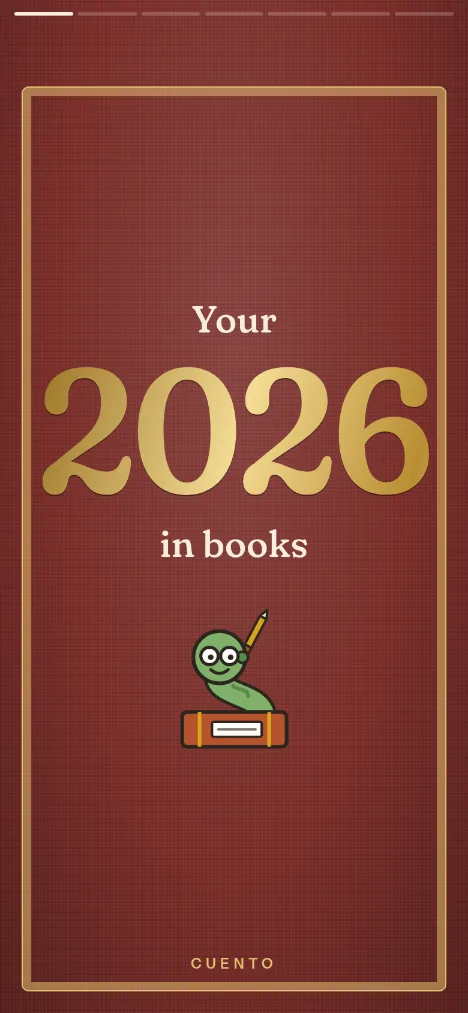

The name
In Spanish, un cuento is a story, and cuento is also “I count”. Every book you read is a little of both.
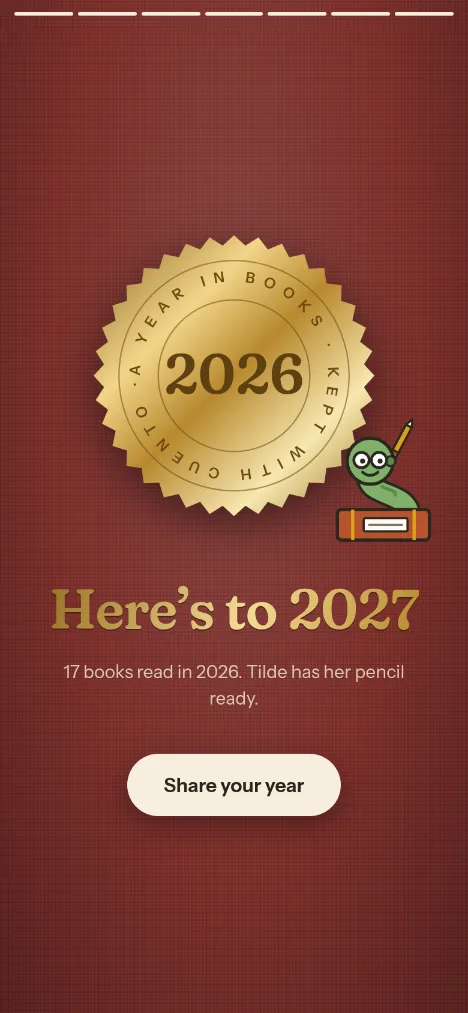
The bookworm is Tilde, named after the curl over the ñ, which her body makes too. She wears round glasses and keeps a pencil behind her ear, for keeping count.
A shelf in your pocket
-
Scan, type or search
Point the camera at the barcode on the back, type the ISBN, or search by title or author. cuento fills in the title, the author and the cover.
-
Want to read, reading, read
Each book has a status, and the dates follow: starting a book dates it, finishing dates it. Give it stars, and keep a note of what stayed with you.
-
Works offline, installs like an app
Once it has loaded, cuento opens with no network at all. Add it to your home screen and it opens like any other app. Only looking up a new book needs a connection.
-
A goal, and every year kept
Say how many books you mean to read this year and watch the count climb. History keeps each year’s books, so last year is a tap away.
-
Sync your devices
Turn on sync and open its link or QR code on your other phone or laptop. Or make a passkey and sign in anywhere with it. No email, no password.
-
Your shelf stays with you
Your books live on your device, in your browser. Nothing leaves it unless you turn sync on. Export the whole shelf as a file whenever you like.
Every December
Your year in books
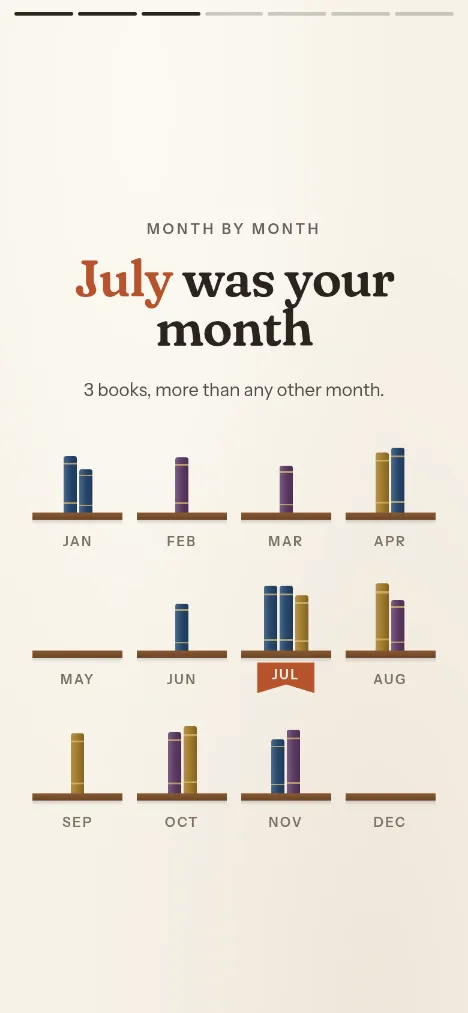
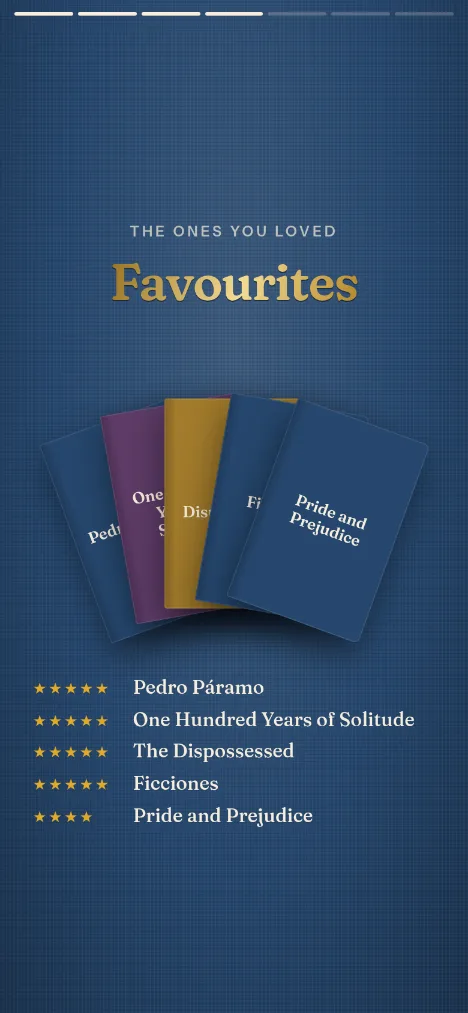
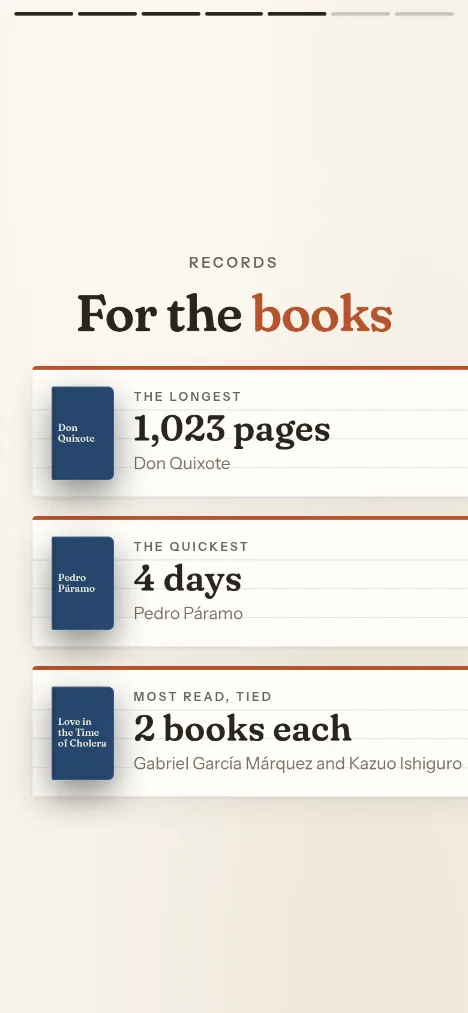
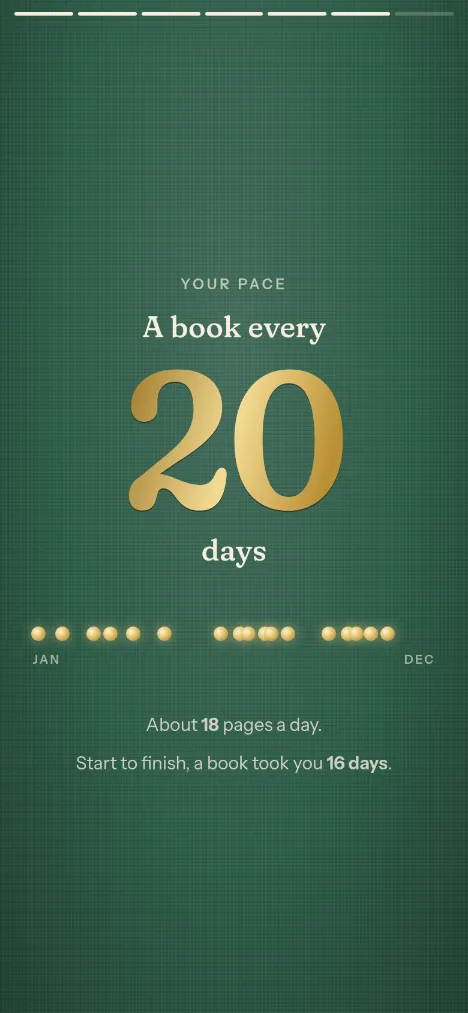
When the year ends, cuento binds your reading into a little story, card by card: how many you finished, your best month, the ones you loved, your records and your pace. Bound in cloth, stamped in gold, and yours to share.

Put it on your home screen
cuento is a web app: no store, nothing to download. Open it, then:
-
iPhone and iPad
- Open cuento in Safari.
- Tap Share, the square with the arrow.
- Choose Add to Home Screen.
-
Android
- Open cuento in Chrome.
- Tap the menu, the three dots.
- Choose Install app.
-
A computer
- Open cuento in Chrome or Edge.
- Click the install icon at the right of the address bar.
- Choose Install.
On an iPhone, Safari may clear a site’s data after a few weeks unused; an app on the home screen is spared. Either way, Export in Settings keeps a copy.
Free, and open
cuento is free, with no ads and no tracking. Its source is on GitHub under the ISC licence: read it, run your own, or send a fix. It is also the first real app built on spark, a tiny reactive UI library.